Manage your supplier profile
You can manage your existing supplier profile details from the supplier hub. Once logged in you can securely access and update the details below through Manage profile.
- Personal details
-
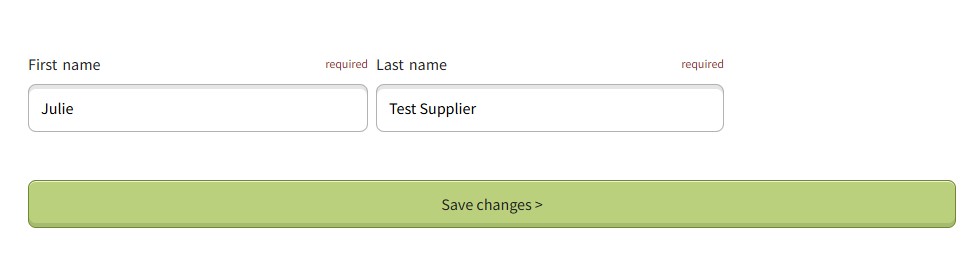
Select the 'Personal details' tile. Amend the name details and press 'Save changes' to save the changes.
- Change password
-
Select the 'Change password' tile and enter the email address you registered with. You will receive an email with a link to reset your password.
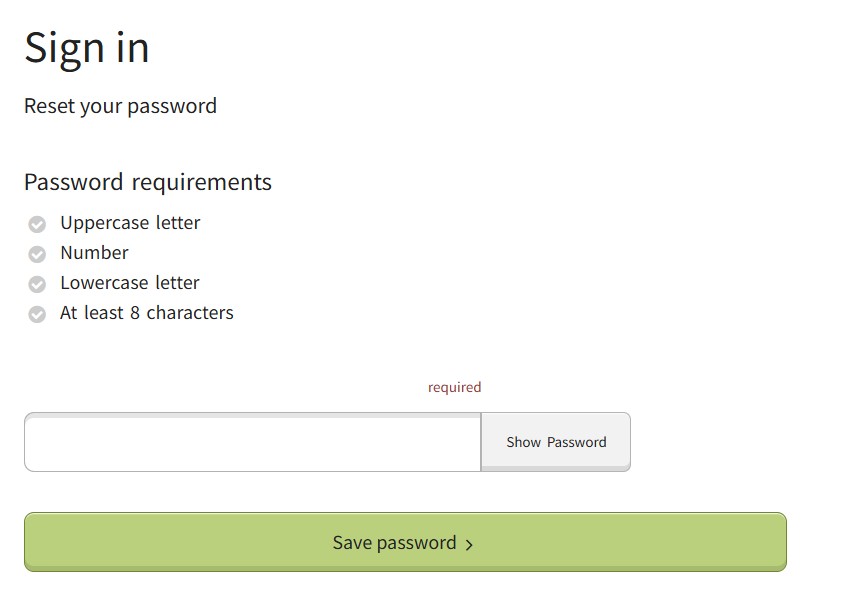
Press the link and follow the instructions taking you to a sign in screen to reset your password. Ensure the password meets the criteria set, then press 'Save changes' to save the changes.
- Change email
-
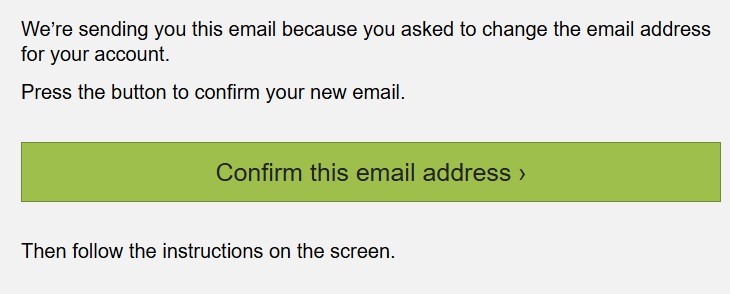
Select the 'Change email' tile. Enter the new email address then press 'Confirm email'. Ensure you use an email account that you can access, as you will need to confirm this email address to complete the change.
- Delete supplier profile
-
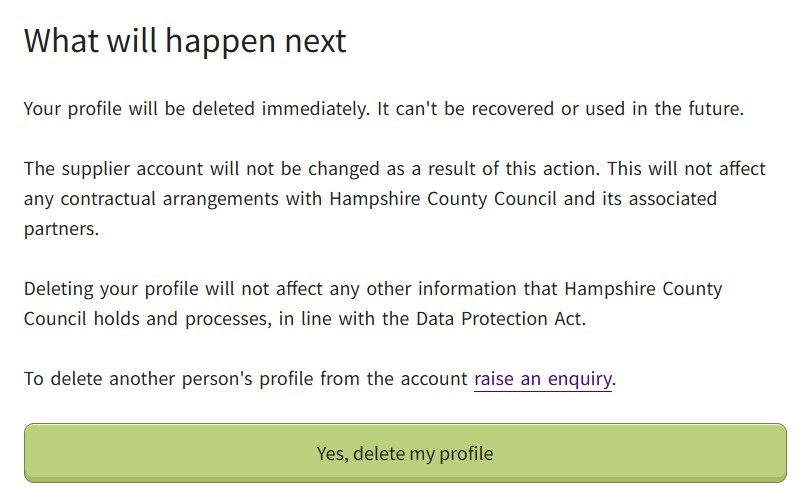
Select the 'Delete profile' tile, then press 'Yes' to delete your profile.
Your profile will be deleted immediately and cannot be recovered or used in the future. This does not delete the whole supplier account, only the profile of the individual held against it.