

Spydus mobile app release update 2.0.2
A further app update has been released to improve the previous version and fix several bugs. Some of the fixes include:
Passcode creation flexibility
- The app now accepts any length of passcode in number, letters, or a mixture of number and letters. With a minimum of 4 characters.
- The screen has also been updated to include Enter new passcode and Confirm passcode fields
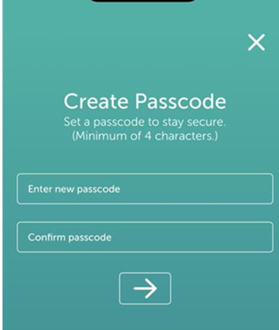
Passcode Reset on App Reinstallation
- The Spydus Library iOS app now treats every reinstall as a completely fresh install for security purposes. Any previously set passcode is fully removed when the app is uninstalled. This means that you will be required to select the library and log in again.
- The passcode is no longer mandatory. You can choose to enable or disable it after launching the app via Navigation menu → Security Settings → Passcode.
Please note, you will have to re add any linked accounts.
Other Fixed issues
1. Self-issue should now be visible for iOS and android users.
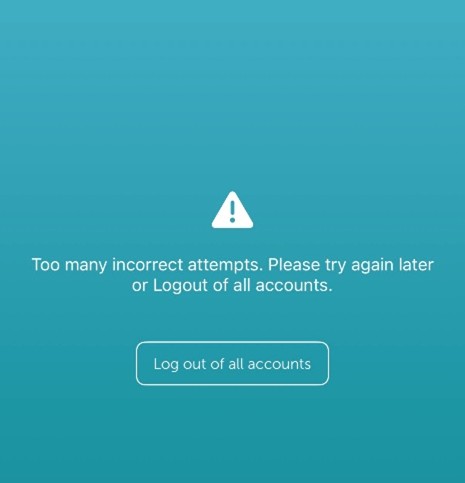
2. The app now redirects you to a dedicated logout page after 5 failed attempts and shows remaining attempts before lockout
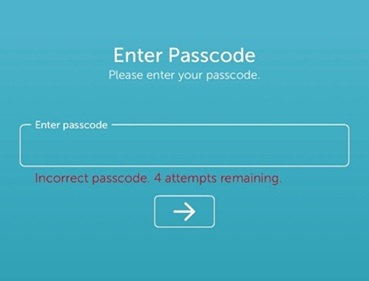
3. After five incorrect passcode attempts, the app now redirects you to a clear page explaining the next steps.
Can I access my library account while abroad?
Access to your library account may be restricted in some countries as part of security measures introduced by our supplier, Civica. If you are travelling overseas, you may be unable to access your account, renew items, or manage reservations online.To avoid any inconvenience, we recommend renewing your loans before you go on holiday and checking your due dates in advance. Please note that BorrowBox is not affected by these restrictions and should continue to work as normal.
Spydus mobile app release update 2.0.1
A recent update to the Spydus Library App has introduced enhanced security features. You are now required to create a 6-digit PIN, with the option to enable Fingerprint or Face ID.
Please be aware of the known issues outlined below that may occur following the update, along with suggested workarounds. We are working with the supplier to ensure these are resolved promptly.
Text and Colour Visibility
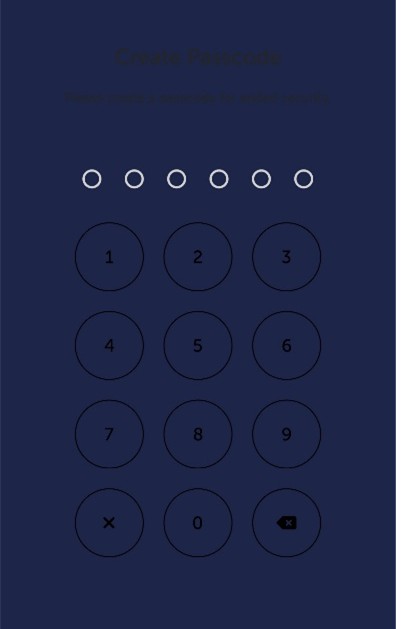
Some users may find that text is difficult to read due to colour contrast issues on certain devices. Although the background colour has been updated, this change may not apply correctly across all devices.
You can try increasing the device’s screen brightness to make the text slightly easier to read.
Passcode Setup Issue
You may not be presented with the “Create Passcode” screen when opening the app for the first time and instead see “Enter your Passcode”.
If this occurs, you can still access the app by entering any random 6‑digit code. This can then be changed by following:

- Open the main (hamburger) menu
- Scroll to Security

- Select Change Passcode
If this does not resolve the issue: completely delete the Spydus Library App (including all app data) and reinstall it from the app store. This will force the app to restart, and you will need to log in again.
Self-Issue Function Missing
Following the update, some devices may no longer display the Self-Issue function.
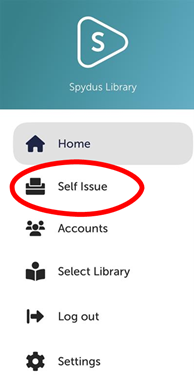
If this happens, completely delete the Spydus Library App (including all app data) and reinstall it from the app store.
Forgotten Passcode (This is only for the 6-digit passcode for the app and doesn’t apply to your borrower 4-digit PIN)
Unfortunately, we are unable to reset passcodes on your behalf. You can reset your passcode by:
- Entering an incorrect passcode five times
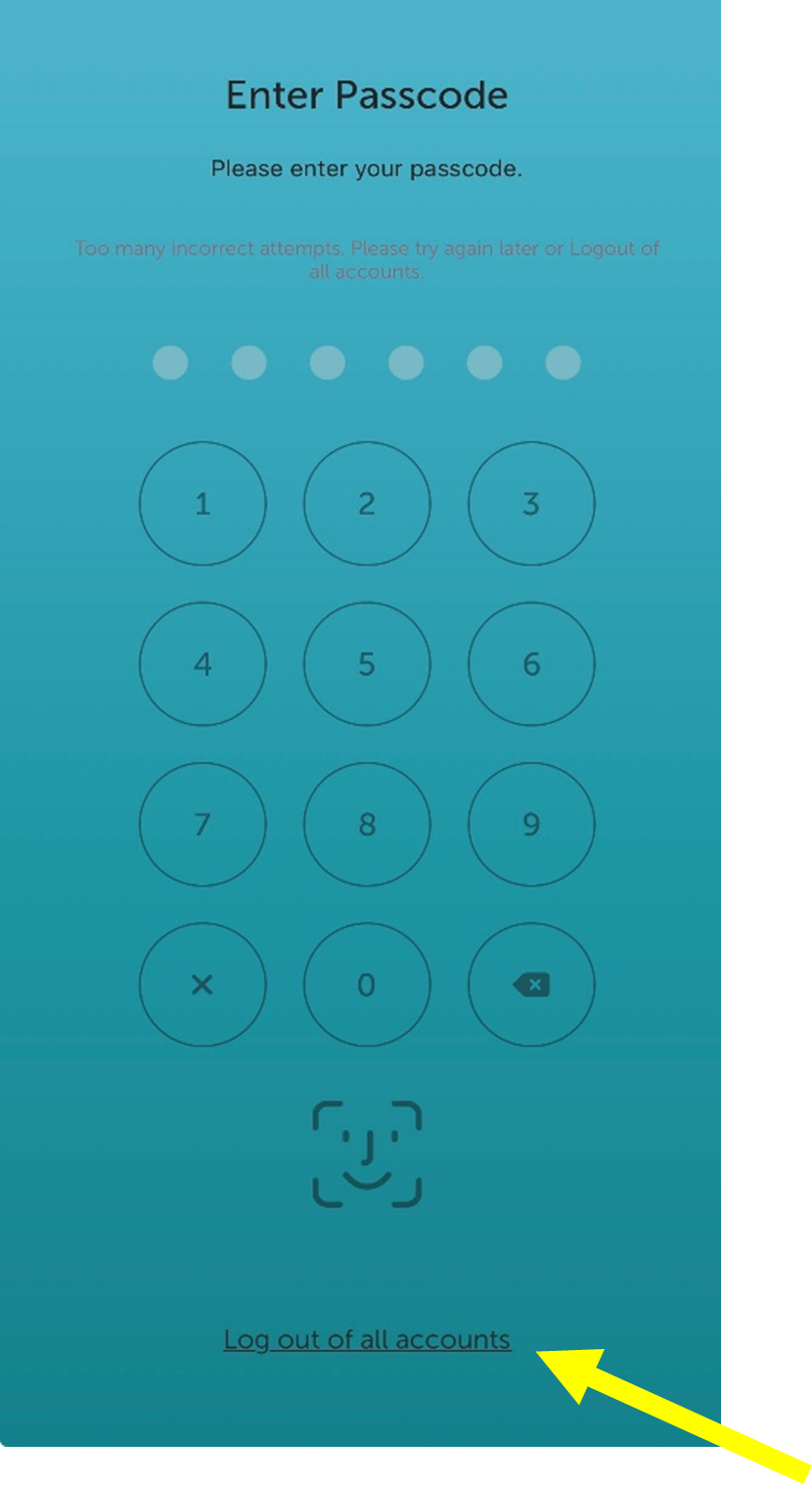
- At the bottom of the screen, you will be prompted to log out of all accounts
- You can then log back into the app
If you wish to re-enable passcode protection, you will need to turn it back on via: Settings - Security.
If you experience any other problems, contact us.